dont let the data drive you
These days I think about collecting data a lot. At Lever we are making software that needs data to function for multiple reasons. The biggest reason is that data drives the Continue Reading →
These days I think about collecting data a lot. At Lever we are making software that needs data to function for multiple reasons. The biggest reason is that data drives the Continue Reading →

Sometimes I like to explore a little. A while back I came across a sweet d3 tree and just had to animate it. It occurred to me that I might Continue Reading →
Some more personal take-aways from days 3 + 4 of eyeo 2014 Cesar Hidalgo I was thrilled to see five.com showcased at Cesar Hidalgo’s keynote on Tuesday night, my good Continue Reading →
I’m almost done with day 2 of 5 at EYEO 2014 and it’s clear that this conference is all about visualization. Not just data visualization, although that seems to be Continue Reading →
I’m at 720p, just trying to hit 4k. I have resolved to be wrong in public more often. I feel that my fear of being wrong is limiting me from Continue Reading →

ASCII art is all about recreating pictures using just text. The ASCII protocol is limited to a small set of western characters and symbols. Unicode, defined by the UTF-8 standard Continue Reading →
what i’d really like is to make new and interesting visualizations which communicate the results of anlaysis but for that i need to have or do analysis but for that Continue Reading →

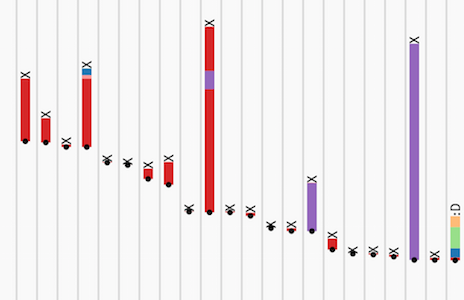
When I saw skataviz I knew I had to try it, I’m into skateboarding and I’m into data viz so it only makes sense. The problem is I don’t spend much Continue Reading →

All aboard! Prepare yourself for a voyage through parameter space as we embark on project Tributary! Tributary is a web interface for live and responsive visual coding. It includes a Continue Reading →
This weekend I made a video aimed at people just getting into d3. I use a super simple bar graph to illustrate the fundamental principle of selections with d3. At Continue Reading →